Marketing Pulse | Shopify
Shopify Rollouts: launch the change and keep the rollback.
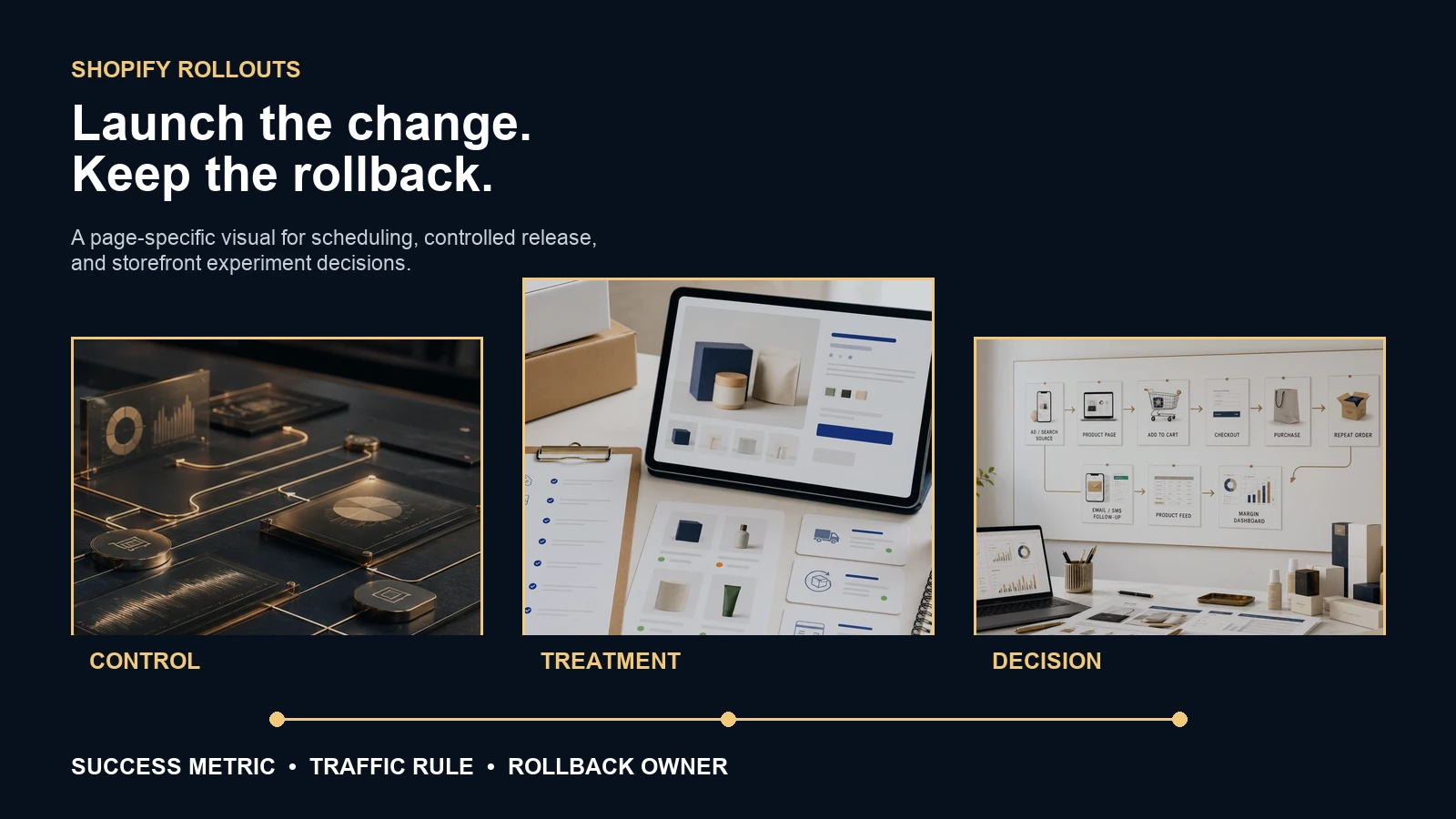
Shopify can now schedule, gradually release, or test theme and checkout changes. The tool reduces launch risk only when the store defines success, protects the control, and names who can stop or reverse the change.
Stan Consulting verdict
Rollouts are a release control, not proof that every storefront change deserves a test.
What changed: Shopify says Rollouts can schedule or gradually publish a theme or checkout and accounts configuration. Stores on eligible plans can compare a treatment with a control using real traffic.
The feature is useful when a store has enough traffic and orders to learn from the chosen metric. A low-volume store may gain more from fixing an obvious broken path, running a usability check, or releasing gradually with a rollback than from waiting for a statistically persuasive winner.
Do not let the tool choose the business question. Decide whether the change is supposed to improve product discovery, add-to-cart, checkout reach, completed orders, average order value, gross sales, or another explicit outcome. Then name what must not get worse.
Do not call a theme preference, screenshot review, or short traffic split a conversion win. Shopify reports different metrics by resource and rollout type. The decision must match the actual change and the evidence available.
Use it or skip it
Choose a launch, experiment, or ordinary release by the risk and evidence.
Use a controlled rollout when
- A seasonal theme or checkout experience needs a scheduled start and end.
- A high-risk theme replacement should reach visitors gradually.
- The store has enough eligible traffic and orders to compare control and treatment.
- One team owns monitoring, pausing, applying, or reverting the change.
- The change can be isolated from simultaneous promotions and site edits.
Use a simpler path when
- The current page has an obvious accessibility, mobile, tracking, or checkout defect.
- Traffic is too low to support the decision window.
- The treatment changes product, price, promotion, audience, creative, and theme at once.
- No one can explain which metric decides the result.
- A permanent application would leave no safe recovery path.
Experiment design
Write the decision before Shopify divides the traffic.
| Decision field | Write this before launch | Why it matters |
|---|---|---|
| Resource | Main theme, replacement theme, or checkout and accounts configuration | Metrics and failure risk differ by resource |
| Audience | Eligible market, traffic allocation, device concerns, exclusions | A regional or device mix can change the apparent winner |
| Primary metric | One deciding outcome that matches the change | Selecting the best-looking metric after the test creates false confidence |
| Guardrails | Tracking health, checkout errors, order volume, margin, support issues, speed | A treatment can improve one rate while damaging the store elsewhere |
| End rule | Minimum window, evidence threshold, pause condition, decision owner | A test without a stopping rule can drift into permanent ambiguity |
| Rollback | Who can pause or revert, what is restored, and what cannot be undone | Shopify warns that a permanently applied rollout cannot be reverted through that action |
Keep the treatment stable while the experiment is active. Shopify warns that editing the treatment or control can affect results. Also check effective traffic when multiple rollouts overlap; intended allocation and actual exposure can differ.
Use this now
The ten-minute Shopify Rollouts check.
This saves progress in this browser. It does not send store information to Stan Consulting.
No rollout check recorded in this browser yet.
Failure map
Watch the whole order path, not one attractive rate.
| What you see | What it may mean | Check next |
|---|---|---|
| Add-to-cart rises, orders fall | The treatment creates interest but adds checkout friction or attracts weaker intent | Reached checkout, checkout completion, payment errors, offer continuity |
| Conversion rate rises, gross sales fall | Order mix, discounting, AOV, or traffic allocation changed the economics | Gross sales, AOV, discount, product mix, margin |
| Treatment wins only in one market | Language, price, shipping, product availability, or audience differs | Market eligibility and localized content |
| Results shift after an edit | The experiment no longer compares the original control and treatment | Change log and edit time |
| Traffic split differs from plan | Other active rollouts changed effective allocation | Overlapping resources and effective traffic |
Original sources
Shopify documentation used in this check.
- Shopify Changelog: schedule, publish, and A/B test themes and checkout configurations for the June 5, 2026 feature update.
- Shopify Help Center: Rollouts for plan requirements, rollout types, eligible resources, and terminology.
- Shopify Help Center: create a rollout for configuration, scheduling, experiments, end actions, and revert behavior.
- Shopify Help Center: managing rollouts for pausing, overlapping traffic, treatment edits, and permanent-application cautions.
- Shopify Help Center: rollout analytics for metrics available by resource and rollout type.
Connected decisions
Keep storefront testing connected to the order path.
Need the storefront and order path managed?
Build the change around the buyer, the evidence, and the rollback.
Stan Consulting connects Shopify traffic, product pages, storefront design, checkout, tracking, retention, and revenue decisions.