Marketing Pulse | Google Ads
Performance Max channel diagnostics: check the constraint before changing spend.
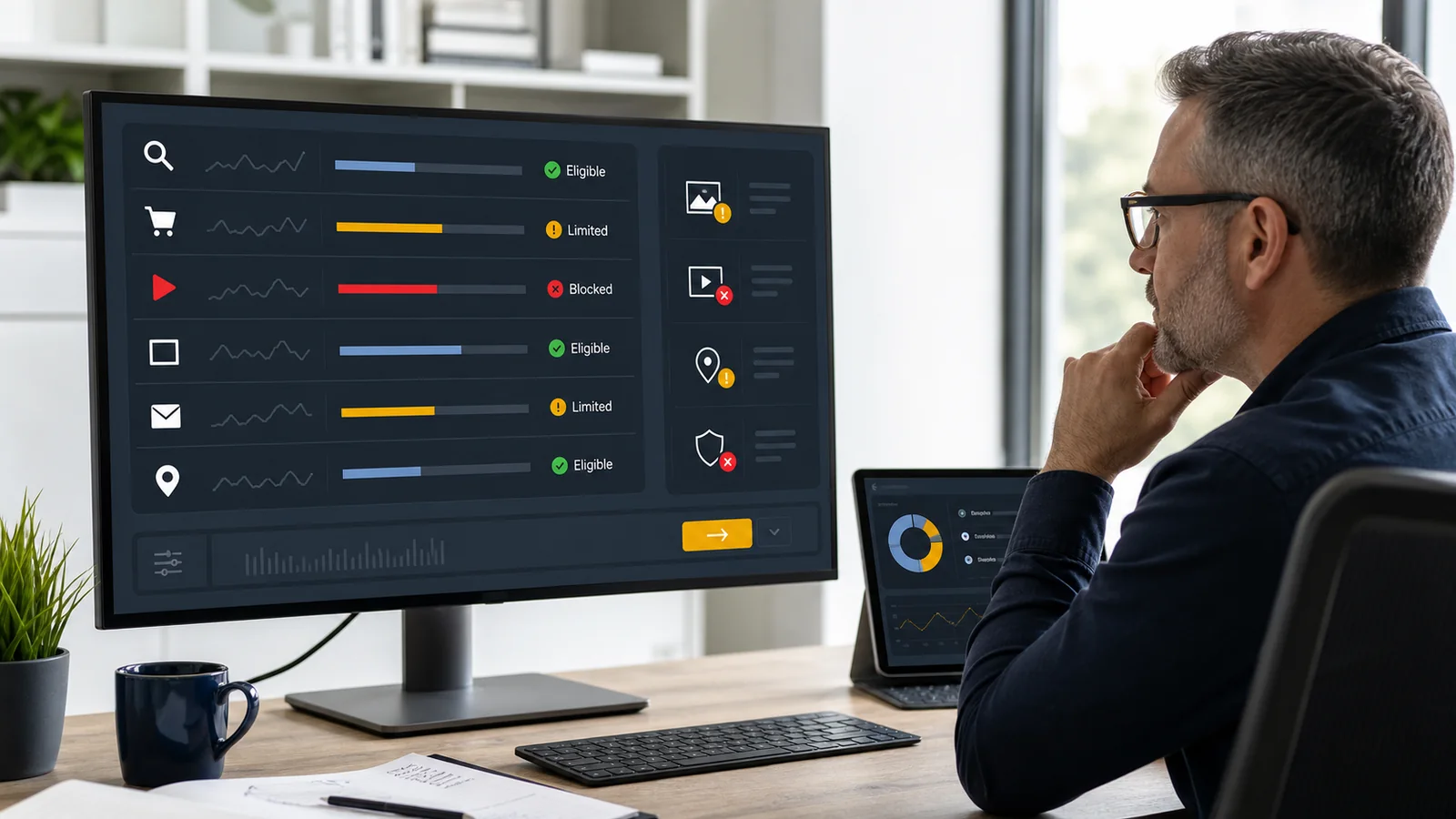
A quiet channel is not one diagnosis. Missing assets, policy limits, product feed problems, restrictive targets, budget allocation, and normal auction choices can produce a similar chart. The status evidence tells you which response fits.
Our verdict
The new view matters because it can stop the wrong optimization.
Stan Consulting's verdict: Treat channel diagnostics as a classification step, not a score to clear. Fix a real eligibility problem. Document a real limit. Leave a healthy channel alone when the campaign is simply allocating elsewhere.
Most coverage of the July update explains that Google can now show missing or rejected assets across channels. That is useful, but it is not the full business decision. A red or amber status can point to work. A quiet channel with a clean status can mean the system currently expects a better next-dollar return somewhere else.
Those two situations should not trigger the same response. Adding the missing square image or resolving a policy limit may restore eligibility. Increasing budget, relaxing a target, or replacing the campaign changes economics. One is a correction. The other is a strategy choice.
Making every channel eligible is not the same as making every channel valuable. Add assets and open inventory only when the message, offer, landing path, measurement, and business goal can support that exposure.
Update ledger
What changed, and what each change should trigger in the account.
Account-check edition published
Current Google documentation, the July Channel Diagnostics reports, and existing channel-performance guidance were reviewed together.
Triggered: a permanent guide, a saved six-step check, and a decision path from status to action.A dedicated diagnostics view is reported
Search Engine Land and other paid-search publications reported a centralized Channel Diagnostics view for missing or unaccepted assets. Search Engine Roundtable noted that not every account could see the dedicated view yet.
Triggered: check the existing Status column even when the newer consolidated view is not visible.Channel reporting expands beyond the initial beta
Google says channel performance reporting became available in all Performance Max campaigns, with further manager-account and Search partner reporting improvements following.
Triggered: make channel evidence part of the normal campaign review, not a specialist script used only after performance falls.Cost, ROI columns, segmentation, and more diagnostics arrive
Google added account-level downloads, cost in the channel view, ROI columns, conversion and ad-event segments, plus diagnostics for restrictive targets.
Triggered: compare status, cost, conversion action, and ad-event type before judging one channel by average CPA or ROAS alone.Three statuses
Read the status as permission to investigate, not permission to panic.
Google's channel distribution view uses three main states. The words look simple. The correct next move depends on the evidence behind them.
| Status | What it means | What to inspect | First response |
|---|---|---|---|
| Not eligible | The channel cannot show ads for this campaign. | Missing required assets, disapprovals, Merchant Center problems, location requirements, or another hard blocker. | Open the diagnostic, record the exact blocker, then correct or deliberately accept it. |
| Eligible (Limited) | The channel can serve, but an issue restricts where or when it can show. | Policy-limited assets, missing network-specific formats, final URL expansion, restrictive targets, feed coverage, or budget limits. | Separate a correctable setup gap from a deliberate control before making the change. |
| Eligible | Google has not detected an eligibility issue for that channel. | Actual serving, date range, conversion delay, goals, targets, audience signals, recent changes, and overall campaign result. | Do not manufacture a problem. Confirm whether another channel is winning the current allocation. |
The dedicated Channel Diagnostics view is still being reported as unevenly visible. The underlying status diagnostics are documented by Google in the channel performance report. If the new all-channel panel is absent, use the channel status grid and open each status there.
Zero spend is a symptom. A diagnostic is evidence. Do not confuse the two.
Cause map
Match the visible symptom to the smallest defensible explanation.
Evidence of a delivery constraint
The account names a reason that prevents or limits serving.
- A required image, business name, video, call, lead form, or location asset is missing.
- An asset group or required asset is disapproved or limited by policy.
- Products are inactive, excluded, out of stock, or disapproved in Merchant Center.
- Final URL expansion or another setting restricts Search inventory.
- The status names restrictive bid targets or a budget constraint.
Evidence of normal allocation
The channel is eligible, but the campaign currently predicts better opportunities elsewhere.
- No issue appears in the status or diagnostic details.
- The campaign recently changed and remains inside its learning period.
- The date range includes conversion delay or too little volume.
- Another channel is producing stronger marginal return for the next dollar.
- Overall results remain on target even though the mix looks uneven.
One channel can look weak while the campaign still works
Google cautions against reading a channel's average ROI as an isolated campaign. Marginal return, conversion delay, attribution, and cross-channel influence can make one row look worse than the overall decision the system is making. The report adds visibility. It does not turn Performance Max into seven separately budgeted campaigns.
A clean status does not prove the setup is good
Eligibility answers whether inventory can be used. It does not validate the conversion goal, lead quality, offer, landing page, location targeting, audience signal, brand exclusions, or customer economics. A campaign can be eligible everywhere and optimize toward a shallow or misleading result.
Use this now
The ten-minute Performance Max channel checklist.
This saves progress in this browser. It does not send account information to Stan Consulting.
No account check recorded in this browser yet.
Response order
Change the account in the same order the evidence becomes reliable.
| If the evidence says | Do this | Do not do this |
|---|---|---|
| Required asset is missing | Add a channel-appropriate asset that preserves the offer, claim, destination, and brand standard. | Upload filler creative only to turn the status green. |
| Asset or group is policy-limited | Open the policy reason, correct the actual violation or appeal with supporting evidence. | Duplicate the same asset repeatedly or hide the limitation with a bid change. |
| Merchant Center is limiting Shopping | Resolve account, product, identifier, availability, listing-group, or feed issues first. | Increase PMax budget while eligible product coverage remains broken. |
| Final URL expansion limits Search | Decide whether controlled page coverage or broader eligible URLs better serves the campaign. | Turn expansion on without checking which pages can receive paid traffic. |
| Target or budget is restrictive | Confirm overall CPA or ROAS, capacity, marginal return, and conversion quality before relaxing it. | Raise budget because one channel row looks quiet. |
| No issue is detected | Review goals, conversion delay, search terms, product-data and video segments, and overall results. | Force an even channel split. Performance Max does not offer direct channel budgets. |
The owner-level record can fit on one line
Write: campaign, date range, channel, status, exact diagnostic, evidence link or screenshot, chosen action, owner, and recheck date. That line prevents a warning from turning into an unexplained budget change and gives the next operator a reason to trust or challenge the decision.
Sources
Platform facts and current reporting used in this check.
Google's documentation is the authority for report behavior and status meanings. Trade coverage is used to date the newer consolidated Channel Diagnostics view and its uneven visibility.
- Google Ads Help: About the channel performance report for Performance Max explains navigation, status meanings, diagnostics, segments, metrics, and the distinction between a detected issue and normal allocation.
- Google Ads Help: Troubleshoot the Performance Max channel performance report covers low serving, learning time, marginal ROI, conversion delay, attribution, and channel-specific scenarios.
- Google Ads Help: Optimization tips for channel performance lists asset, tracking, URL, audience, feed, budget, and target levers.
- Google Ads Help: Performance Max not running or low traffic covers broader account, campaign, creative, and measurement causes.
- Google Ads & Commerce: asset and channel reporting improvements documents cost, ROI columns, segmentation, downloads, and restrictive-target diagnostics.
- Search Engine Land: Google adds Channel Diagnostics to Performance Max reports the July 1, 2026 consolidated diagnostics view.
- Search Engine Roundtable: Google Ads Performance Max Channel Diagnostics records the initial account screenshot and notes that the dedicated view was not yet visible everywhere.
Connected decisions
Use the diagnostic without losing the larger paid-media decision.
Need the whole account managed?
Build the campaign around the result the business can actually use.
Stan Consulting manages Google Ads across campaign structure, creative, landing pages, tracking, lead handling, and revenue feedback.