Direct answer
Choose the workspace by task.
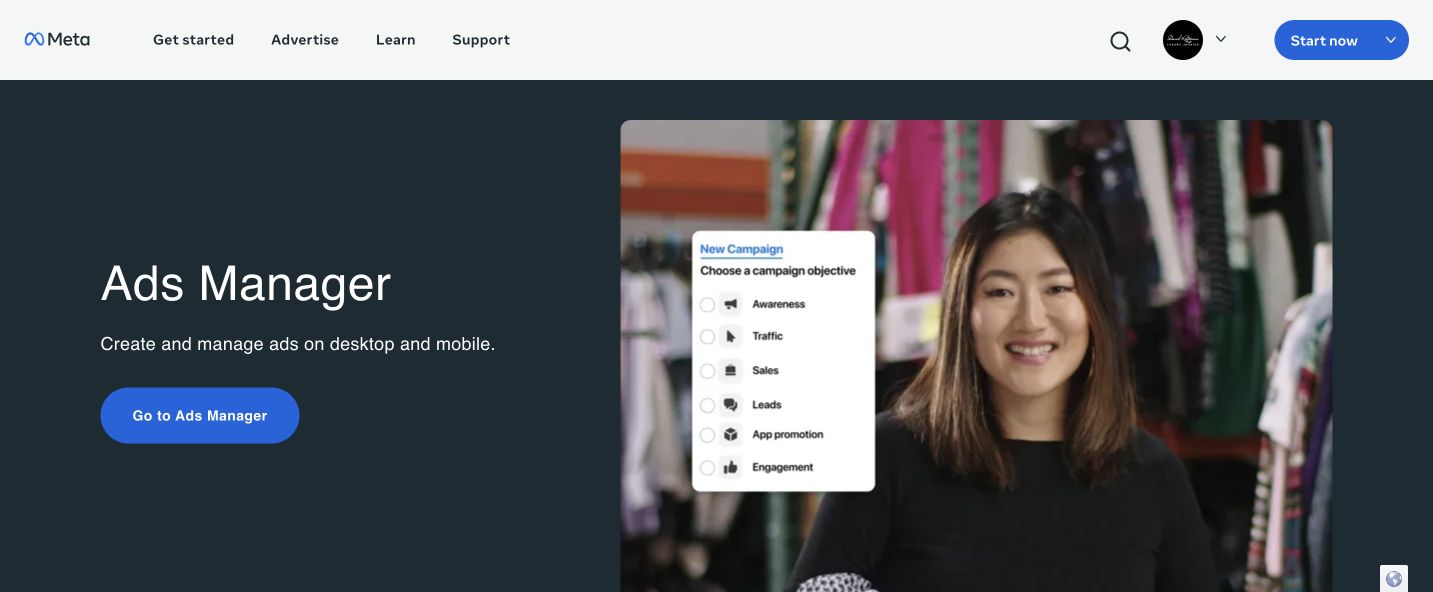
Meta Business Suite is the operating home for content, messages, notifications, and a high-level view across Facebook and Instagram. Ads Manager is the deeper paid-media workspace for campaigns, ad sets, ads, budgets, audiences, placements, optimization, experiments, and reporting.
The ownership layer matters too. A Meta Business Portfolio, often still called Business Manager in older guidance, organizes Pages, Instagram accounts, ad accounts, people, partners, billing, and data sources. Events Manager handles pixels, datasets, Conversions API connections, and event diagnostics. A business advertising seriously will often touch all four layers.
For campaign implementation, see paid advertising services. When changing providers, use the agency handoff checklist. An agency performance review does not resolve an asset-ownership dispute.
Task selector
Which Meta tool should you open?
| Task | Primary workspace | Owner check |
|---|---|---|
| Schedule Facebook and Instagram posts or Reels | Meta Business Suite | Confirm the correct Page and Instagram account are connected. |
| Reply to comments and messages | Meta Business Suite Inbox | Give only the permissions needed for customer communication. |
| Build a campaign with ad-set controls | Ads Manager | Use the business-owned ad account and documented billing source. |
| Control audiences, placements, budget, bidding, and optimization | Ads Manager | Record who can publish and who approves material changes. |
| Check pixel, dataset, app, or Conversions API events | Events Manager | Confirm the business owns the data source and domain connection. |
| Add an employee or agency partner | Business Portfolio settings | Grant scoped access; do not transfer asset ownership to the vendor. |
| Review invoices or payment settings | Billing and payments for the ad account | Keep a business administrator and a current payment contact. |
When to use each
Three realistic operating setups
Solo owner
Business Suite may be enough for daily work
Use it for posts, messages, notifications, and a simple view. If you only boost occasionally, understand that the simplified flow offers fewer campaign controls than Ads Manager.
In-house marketer
Use Suite and Ads Manager together
Business Suite manages the organic and inbox work. Ads Manager runs paid campaigns. Events Manager checks the measurement feeding those campaigns.
Agency relationship
Add the ownership layer
The business keeps the Page, Instagram account, ad account, pixel or dataset, domain, and billing. The agency receives partner access to the assets in scope.
Worked example · Fictional service business
One launch, five responsibilities
A service company is announcing a new appointment offer and running paid ads alongside its organic posts. The team uses different workspaces for different jobs. This is a planning example, not a client result or an instruction to publish a live test campaign.
- Publish the announcement
- Business Suite · Marketing coordinator. Approved copy, image, Page and Instagram account. Check: Preview both placements; confirm the published links work.
- Build the paid campaign
- Ads Manager · Paid-media specialist. Ad account ID, goal, approved spend limit and dates. Check: Owner approves the draft and budget before publication.
- Confirm website inquiries
- Events Manager and business inquiry records · Measurement owner. Agreed event definition and test permission. Check: An authorized test produces one accepted inquiry; compare the event with receipt, not just a button click.
- Reply and qualify
- Business Suite Inbox or the agreed inquiry system · Client services lead. Channel access and response responsibility. Check: A test conversation reaches the right person; record qualified inquiries separately from messages.
- Manage access
- Business portfolio settings · Business-controlled administrator. Named people or partner and required assets. Check: Confirm scoped access works and retain a documented removal process.
Access checklist
Before an agency touches the account
- Confirm who has full control of the business portfolio. Where appropriate, keep a second trusted business-controlled administrator for continuity, with two-factor authentication. This is a safeguard recommendation, not a reason to give every employee full control.
- Record the Page, Instagram account, ad account and data sources the business controls. Identify assets shared by another business and any ownership or access gap. Do not create replacements or assume ownership can simply be transferred.
- Use partner access for an agency where the account supports it. Give staff only the assets and tasks they need; never share personal login passwords.
- Grant only the assets and permission level required by the signed scope.
- Record the ad account, currency, time zone, billing source, and who approves spend changes.
- Check conversion events in Events Manager and name which events affect delivery and reporting.
- Keep campaign naming, change notes, creative files, and reporting exports in business-controlled storage.
- Document the removal and handoff steps before the engagement starts.
Interfaces change. Meta can rename menus and move controls. Recheck the current product help and the live account before using an old screenshot as an instruction.
Keep the access and handoff record
Record each task, asset ID, responsible person, required access and acceptance check. Leave unknowns visible. Store account IDs and internal records privately; never put passwords, recovery codes or customer data in this sheet.
Download the blank worksheet · CSVNo email required. Opens in Excel, Google Sheets or Numbers.
Right tool, wrong account or missing access?
Match the asset, not just the business name
Record the selected portfolio, Page and ad account ID. Similar names can hide different accounts. Compare with the business administrator’s record before changing anything.
Check the permission for the task
Publishing, replying, viewing results and managing campaigns are different jobs. Ask the administrator to verify the specific asset and permission you need. A working Suite login is not proof of ad-account access.
Separate restrictions from permissions
If access is correct, read the account’s actual restriction, billing or connection notice. Use Meta’s official support process for that issue. Creating a duplicate account is not a general fix.
Make reports comparable
Before comparing Suite, Ads Manager and your sales records, align the account, date window, time zone, metric definition and attribution setting where applicable. A message, reported lead and qualified inquiry are different measures.
Common mistakes
What the two-tool comparison usually misses
Business Suite is not the ownership model
Business Suite is a workspace; business portfolio settings organize assets and access within it. Being able to publish a post does not establish control of the portfolio or permission to manage an ad account.
Ads Manager is not the measurement source
It reports campaign outcomes, but Events Manager and the business's own systems are needed to check what the conversion represents.
A boosted post is still an ad
The simpler flow can be useful, but it does not provide the same build, test, and reporting controls as Ads Manager.
More access is not better access
People and partners should receive the minimum permissions needed for the job, with an owner who can remove them.
Common questions
Answers without a sales pitch
Do I need both Meta Business Suite and Ads Manager?
Use both when you publish organic content or handle messages and also run structured paid campaigns. Suite supports daily communication; Ads Manager provides deeper advertising controls.
Is Business Manager gone?
Meta increasingly uses Business Portfolio and Business Suite language, while older pages and users still say Business Manager. The important distinction is the asset-and-access layer versus the day-to-day workspace.
Should an agency own my ad account?
No. The business should control the Business Portfolio, Page, Instagram account, ad account, data sources, domain, billing, and files. Give the agency scoped partner access.
Where do I check conversion events?
Use Events Manager to inspect the pixel, dataset, app events, or Conversions API connection. Then verify the event against analytics, commerce, CRM, or lead records.
Meta documentation and training
Product and training references support the workspace distinctions. The example and checklist are our practical recommendations. Meta’s product/help pages may require login; account permissions and available controls vary.
- Meta Business Suite product overview: publishing, messages and insights.
- Meta Ads Manager product overview: campaign management.
- Meta Blueprint: placements, budget and schedule: campaign controls in Ads Manager.
- Meta Blueprint: setting up a business portfolio: accounts, permissions and security.
- Meta: Conversions API: event connections and implementation guidance.
Get your Meta advertising work scoped
Bring the campaign goal, account situation and the task that is not working. Stan Consulting can scope paid campaign setup, measurement and ongoing management. We agree the work, access and price before starting.
Still choosing a channel? Read Google Ads vs Meta Ads. Comparing ongoing help with a defined setup? See retainer vs project work.