The starting point
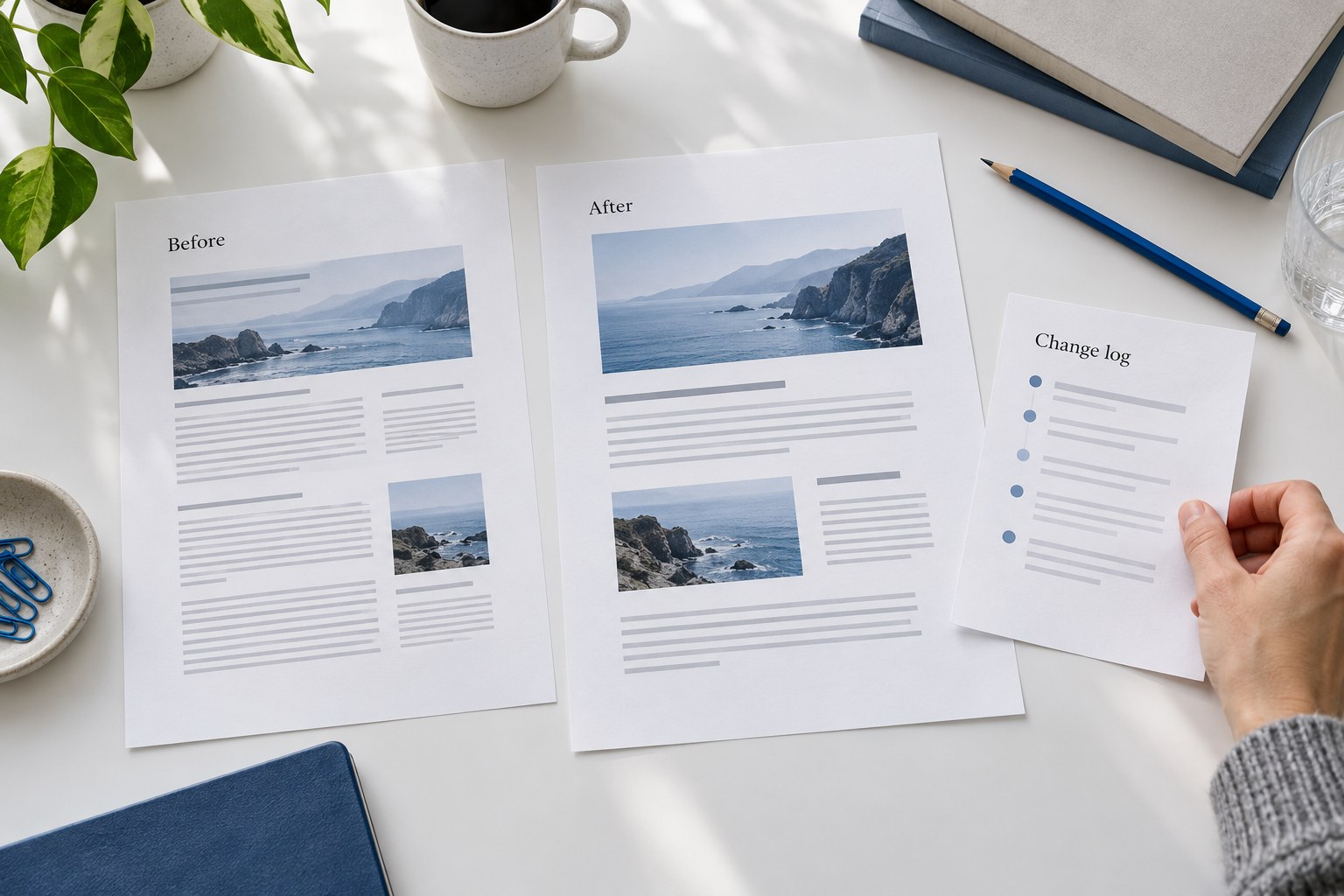
Improve the answer. Keep a record of the change.
No content update can guarantee that rankings will stay the same. Reduce avoidable risk by recording the current page, preserving its useful purpose and URL, and testing the published version before judging search results.
Update inaccurate facts or missing guidance. Keep sections that still help the reader. Change a URL, combine pages or remove content only when there is a clear reason, with a separate plan for links and redirects.
01 · Choose the action
Preserve, update, merge or remove
- Preserve
- The answer is accurate, serves a distinct reader need and has no important gap. A date change alone adds no value.
- Update
- The reader’s task is still relevant, but facts, examples, sources or instructions need work. Keep the existing URL when it still fits.
- Merge
- Two pages substantially answer the same task. Keep unique useful material on the best destination, then plan the redirect and update internal links.
- Remove
- The page no longer has a useful purpose and cannot be corrected. Check links, inquiries, historical value and replacement options first.
Low traffic alone is not a reason to delete a page. A narrow question may bring few visits but support a valuable inquiry. Look at its role, accuracy, links and outcomes alongside traffic. Google warns against adding or removing content simply to make a site appear fresh.
02 · Before editing
Save the page and its baseline
Write down the reader’s task in one sentence. A guide to choosing an agency should help someone compare proposals; turning it into a general definition would change the job of the page. Use the queries it already appears for as evidence, then check whether the answer actually helps.
- Save a restorable version. Keep the HTML or CMS revision, relevant images and a screenshot. Record the published URL, title, H1, canonical, indexing settings and key section links.
- Export search performance. Record the page filter, search type, dates, query group, country and device. Keep a consistent comparison view rather than switching filters after seeing the result.
- Record business actions. Note inquiry or purchase definitions and whether tracking changed. A form click and an accepted inquiry are different events.
- List important links. Record pages linking in, useful outbound references and links to the next step. Check backlinks before removing a URL.
Choose a comparison period that contains enough observations for the page. Include the same weekdays and consider seasonal demand. If there is too little data to judge an effect, record that limit instead of treating a single visit as a trend.
Give every proposed edit a reason: an outdated instruction, an unsupported claim, a missing example or a difficult mobile layout. Recheck time-sensitive platform details when they change. An evergreen answer can stay useful without a scheduled rewrite.
03 · A real change record
Our Shopify agency guide: what changed and what stayed
On October 17, 2026, we revised our guide to hiring a Shopify agency. This example documents work on our own website. It does not claim a ranking or revenue improvement.
Retained: the URL, agency-selection purpose and twelve questions covering scope, reporting, access, performance and handoff. The title and opening became more direct; the page received the current design and a comparison worksheet.
| Part of the guide | Before | After |
|---|---|---|
| Shopify permissions | A fixed permission list for paid-traffic work. | Ask for permissions tied to specific tasks; check current collaborator and role documentation. |
| Performance checkpoints | A general month 3, 6 and 12 timetable. | Choose checkpoints for the engagement; separate delivery commitments from uncertain business outcomes. |
| Handoff rights | Payment treated as a reason every asset should transfer. | Check the actual agreement, licenses, agency tools, formats and transition responsibilities. |
| Comparison help | Advice for interpreting answer patterns. | A downloadable worksheet for the same twelve questions, evidence and unresolved items. |
Release checks: the existing URL and canonical stayed in place; the page and worksheet were checked in production; mobile layout and the project-inquiry path were tested. Platform claims were checked against current Shopify and Google sources.
What remains unknown: the effect on search visits and qualified inquiries. The release combined content and design changes, so a later movement would not identify which individual edit caused it. The worksheet keeps implementation checks separate from that outcome.
Download this completed example · CSVA concise record of the actual revision, including its limits. No client information is included.
04 · Publish carefully
Check the live page before measuring the result
Verify the address and indexing signals
Open the public URL. Confirm the intended successful response, canonical and indexing settings. If the page should be indexed, check for an accidental noindex or crawl block. Review the rendered content, not just the editor preview.
Read the important answer again
Check that headings, conditions, figures, sources and useful existing sections survived. Test section links, internal links, images and downloads. A better layout cannot compensate for a missing answer.
Test the reader’s next step
Use desktop and mobile widths, keyboard navigation and any expanded sections. Confirm the contact form or checkout works and carries the intended context. Test tracking separately from the wording change.
Record the release
Save the publication time, exact version, checks and responsible person. Update the modification date when the content materially changed. Keep the restoration steps with the change record.
For an updated URL you manage, you can request a recrawl in Search Console. A request does not guarantee indexing or a faster ranking change; repeated submissions do not speed crawling.
05 · When pages overlap
Combine pages only when they serve the same task
Sharing a keyword does not by itself establish cannibalization. A pricing guide and a contract guide can both mention agency costs while answering different decisions. Compare the actual queries, useful material, links and inquiry paths before merging.
For a genuine duplicate, choose the destination that best answers the task, move over distinct useful material, and map the old URL to that relevant replacement. Google treats permanent redirects as a strong signal for the preferred URL. Update internal links and sitemap references, then verify the redirect reaches the intended page.
If there is no relevant replacement, do not send every removed page to the homepage. Keep an accurate page where it still serves a purpose, or use the appropriate removal response. Plan URL changes separately from ordinary editing whenever practical.
06 · After release
When should you fix, restore or wait?
- Fix now
- The public page fails, a canonical points to the wrong page, an unintended noindex appears, or the main answer or contact form is broken. Repair the specific fault and verify it live.
- Restore
- The release introduced a serious fault that cannot be repaired promptly. Restore the affected page or component from the saved version, then retest. Preserve unrelated work and avoid restoring known factual errors.
- Investigate
- The page works but comparable search performance declines. Check crawl timing, changed queries, impressions, clicks, search demand, site-wide problems and search updates before attributing the decline to the edit.
- Observe
- The change is recent or the data is too sparse. Set a review date and keep the comparison consistent. One weak day is not evidence that the previous page was better.
Google’s traffic-drop guidance distinguishes technical failures, changing demand and ranking shifts. Content effects can take days to months. A before-and-after chart alone cannot isolate the cause.
Record search clicks and qualified inquiries separately. A page can receive more impressions without more visits, and more visits without useful inquiries. If the measurement changed during the release, mark the break in the comparison.
Keep a change log you can use later
The worksheet covers the baseline, planned edits, publication checks, restoration steps and outcome review. Record the evidence, responsible person and recheck date. Keep unknowns visible.
Download the blank worksheet · CSVOpens in Excel, Google Sheets or Numbers. No email required. Reference private reports in your own workspace; do not put passwords or customer records in the sheet.
Get help improving the pages people already find
Stan Consulting works on website content, SEO and AI visibility, and the path from a useful answer to an inquiry. Share the pages and business goal. Scope, price and timing are agreed before work begins.
For the next planning step, read how to build topical authority without thin content. Compare AI Overviews and traditional SEO, or continue with the AI search guide.
Sources and method
This workflow and the worksheets are Stan Consulting educational material. The worked example was checked against our saved Shopify guide and its published revision. Google’s documentation below supports the platform guidance, checked October 17, 2026.