A promotion can launch as part of a larger change
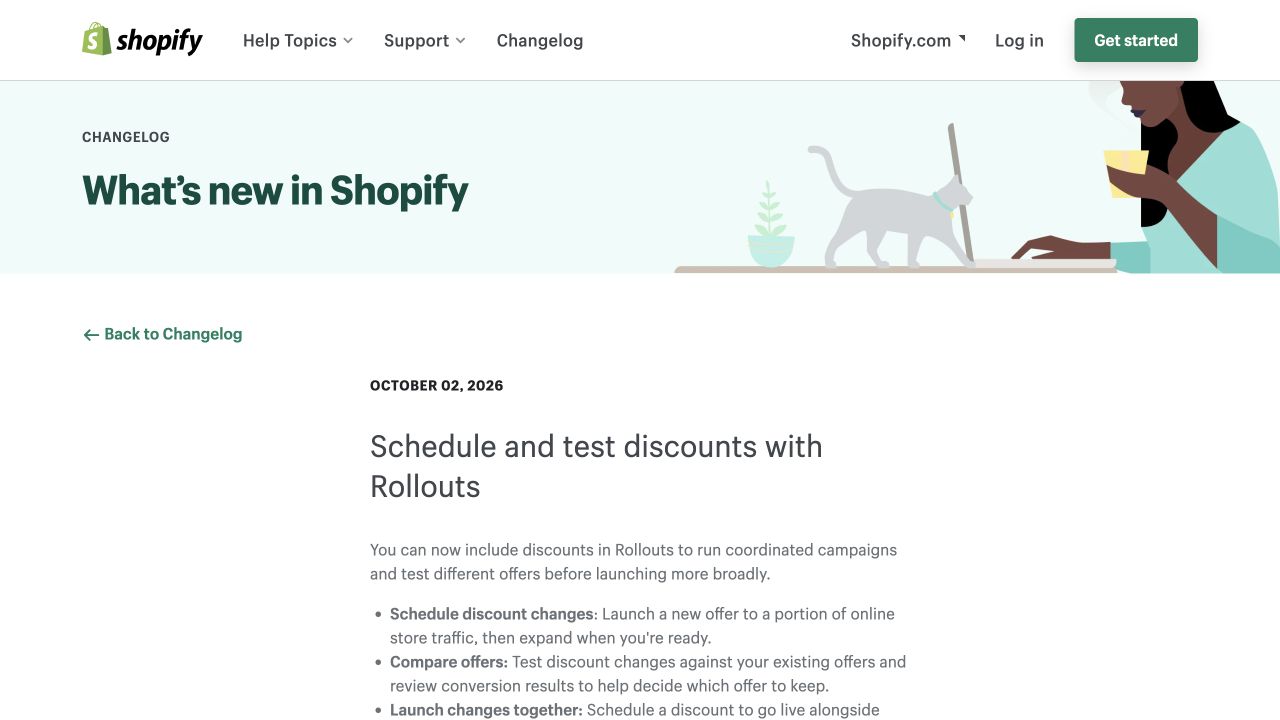
Shopify now lets merchants include discounts in Rollouts, compare offers and coordinate them with theme or checkout changes. A promotion can reach a portion of Online Store traffic before a wider launch.
The operational question is whether the advertised offer, storefront experience and discount actually agree for the same buyer. A scheduled banner is a promise; checkout is where that promise has to hold.
Check the discount apps before launch
Shopify’s API notice says native start and end dates do not fully describe a discount that belongs to a Rollout. Version 2026-10 adds Discount.rollouts and the read_rollouts access scope. Earlier API versions can omit discounts whose effective availability differs from their native dates.
Ask the owner of each discount integration to verify what it reads. For example, a support tool showing a code as active is not enough evidence that a particular customer can use it.
Choose a result before starting the test
Our recommendation is to write down the decision the test should answer: whether the offer produces worthwhile additional orders after the discount and fulfillment costs. Decide the measurement window before looking at a winner.
If the aim is to understand the discount itself, keep other material changes controlled where practical. Launching a new theme, checkout and offer together can make the overall experience measurable while making the cause of a change harder to isolate.
For your next work session
What to check next
- Confirm the offer, eligibility, channels and effective schedule in Rollouts.
- Check discount apps and reporting integrations against the 2026-10 API changes.
- Test an eligible and an ineligible buyer, including the partial-traffic experience.
- Compare completed orders, discounts and contribution after costs alongside conversion.
- Prepare an end-of-promotion check for banners, codes, emails and checkout.
Sources and scope
Shopify announced the merchant feature on October 2 and the API changes on October 1. Normal discount eligibility still applies; partial-traffic activation is specific to the Online Store. Access and integration behavior should be checked in the merchant account.
The announcement is confirmed by the source below. Practical checks in this article are Stan Consulting's recommendations.
Need help applying this to your business? Ecommerce services.