The buyer’s existing checkout is the setting
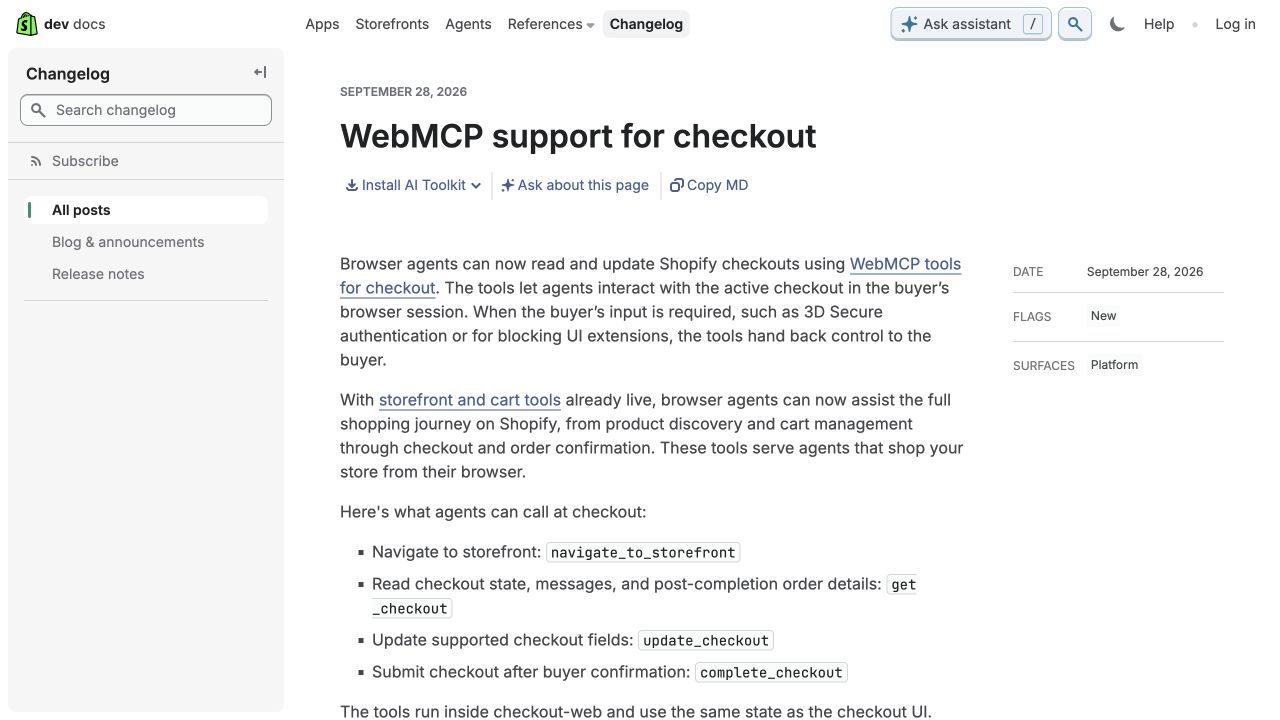
Shopify announced WebMCP checkout support on September 28. Browser agents can read checkout details, update supported fields and submit after buyer confirmation. Required steps such as 3D Secure authentication or blocking checkout extensions return control to the buyer.
The tools use the checkout’s existing state rather than a separate merchant-configured API. This is an additional way to interact with a checkout, not evidence that a shopper’s decisions can be skipped.
Check the interruptions as carefully as the purchase path
Our recommendation is to test the points where an assisted journey needs a person. An address correction, unavailable shipping option or required custom field should lead to a clear next step.
Use an authorized test environment and test payment method. Record whether the buyer can see the cart, final amount, delivery choice and any error before deciding to continue.
Keep expectations tied to observed use
Do not buy a new integration solely because this announcement mentions agents. First establish which part of the existing checkout needs attention and which supported tool is being tested.
We recommend keeping any agent-assisted session evidence separate from ordinary checkout reporting until the team can identify it reliably. A successful demonstration shows one tested journey; it does not establish how much customer demand will arrive through it.
For your next work session
What to check next
- Identify custom checkout fields, validation and authentication steps.
- Test with a supported agent in an authorized checkout test environment.
- Check how the shopper regains control when input is required.
- Verify the visible order total and confirmation before completing any test purchase.
- Record the tested browser, agent, date and limitations without claiming general adoption.
Sources and scope
Shopify describes tools in the buyer’s active browser checkout, with no merchant configuration required. The announcement does not prove that all agents support them or that a store will receive additional sales.
The announcement is confirmed by the source below. Practical checks in this article are Stan Consulting's recommendations.
Need help applying this to your business? Ecommerce services.