Skip to content
Stan Consulting

Facebook and Instagram ad tools | Updated July 28, 2026

Best Meta Ads tools

Start with Meta's own free tools. Use Ads Manager to run campaigns, Ad Library to study live ads, and Events Manager to test the actions that matter. Automation comes later.

Start here

Start here

The basic Meta stack has no tool fee.

Meta's main management, research, and tracking tools do not charge a software subscription. The ad budget and the time or technical work needed to use them are separate.

Step 1

Study the market

Use Ad Library to see live offers, formats, start dates, calls to action, and destination pages. Do not assume a visible ad is profitable.

Step 2

Test the real action

Use Events Manager to confirm the lead, purchase, or booked action before asking Meta to optimize for it.

Step 3

Run and read the campaign

Use Ads Manager columns and breakdowns. Add paid automation only when repeated account work is large enough to justify it.

Four useful tools

Research, run, measure, then automate.

The order matters. Ad Library helps with market research. Ads Manager runs the campaign. Events Manager checks the signal. Birch can automate repeated rules when spend and account count justify it.

Campaign management

Meta Ads Manager

Ads Manager creates, publishes, manages, and measures Facebook and Instagram campaigns at the campaign, ad-set, and ad levels.

Price
No subscription fee. A payment method and ad budget are required to run ads.
Good for
Campaign setup, audiences, budgets, placements, creative, delivery, and results.
Where to look
In the results table, use Columns > Customize columns. Save useful fields, then use Breakdown for placement, age, device, and time.
Limits
Attribution is modeled and can update later. Small budgets may not create enough events. Advantage+ can reduce manual visibility, and the interface changes often.
Alternatives
Meta Business Suite, Birch, or Madgicx.

How to use it

  1. Select Create and choose the objective tied to the real business result.
  2. Declare the special ad category when required.
  3. At the ad-set level, set conversion location, budget, schedule, audience, and placements.
  4. At the ad level, choose the correct Page and Instagram account, then add the creative and destination.
  5. Preview every placement, confirm tracking, then Publish.

Official product and pricing page

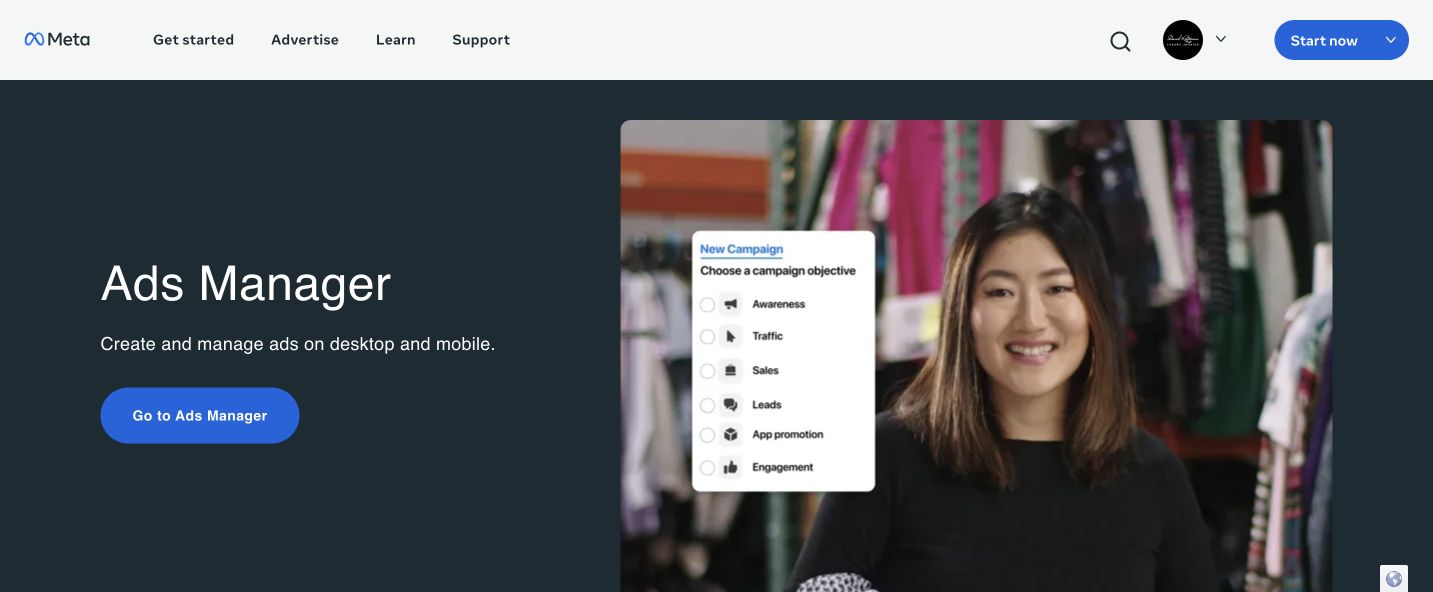
Official Meta Ads Manager product page
Official product page, captured July 28, 2026. Check the linked source before buying because prices can change.

Competitor ad research

Meta Ad Library

Ad Library is Meta's public search for active commercial ads running across its products, with advertiser, start-date, format, call-to-action, and destination clues.

Price
Free. No ad account or media spend is needed for basic public searches.
Good for
Checking who is actively advertising and comparing offers, hooks, creative formats, and ad-to-page continuity.
Where to look
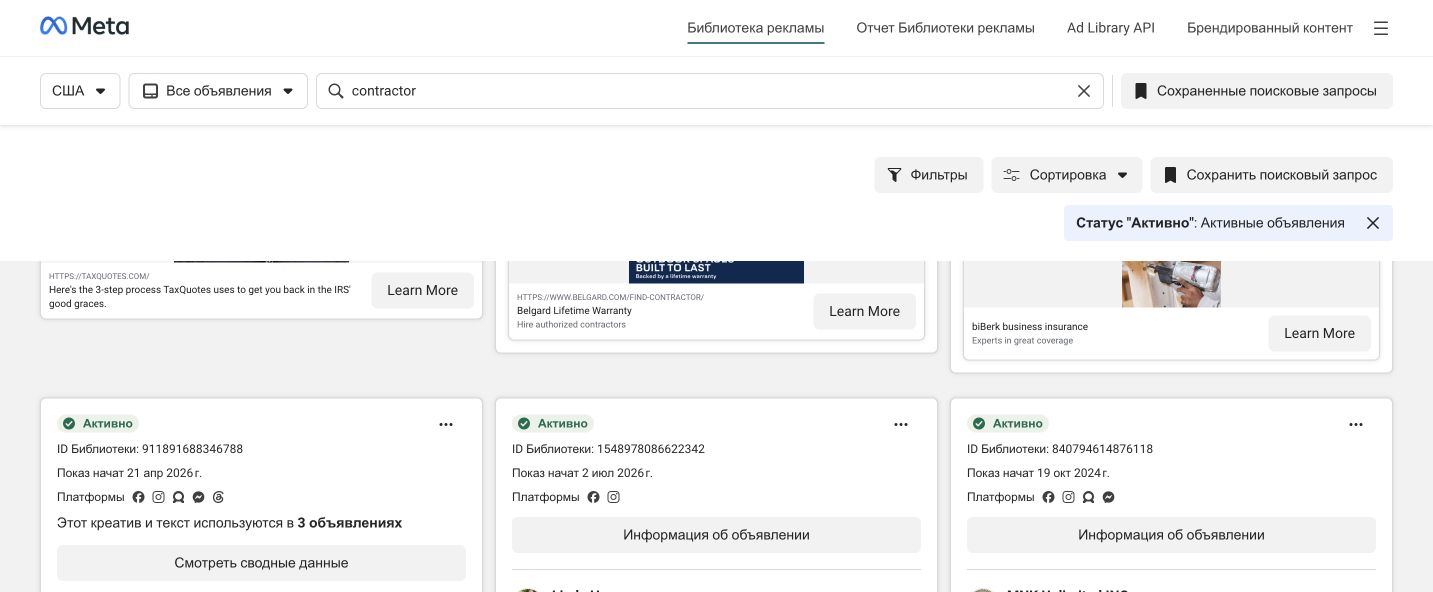
Use Filters, active status, platform, media type, language, and See ad details. The card shows a library ID and start date.
Limits
Normal commercial ads are mainly active-only. It does not show true spend, profit, targeting, leads, or cost per result.
Alternatives
Google Ads Transparency Center, TikTok Creative Center, or Foreplay.

How to use it

  1. Choose the country and All ads.
  2. Search a company, Page, service, product, or customer problem.
  3. Filter to active ads, platform, media type, and language.
  4. Record the advertiser, start date, offer, format, call to action, and destination.
  5. Open the destination page and compare whether it keeps the same promise.

Official product and pricing page

Meta Ad Library showing a real United States contractor ad search
Live United States contractor search, captured July 28, 2026. The signed-in browser used Russian interface labels; the search country, advertisers, and ad details are still United States results.

Conversion tracking

Meta Events Manager, Pixel, and Conversions API

Events Manager connects, tests, and diagnoses website actions. Pixel sends browser events. Conversions API sends events through a server or partner connection.

Price
No Meta tool fee. A partner app, gateway, server, tag manager, or developer may add cost.
Good for
Testing lead and purchase events, finding missing or duplicate signals, and giving campaigns a useful conversion action.
Where to look
Open Events Manager > Data sources, choose the dataset, and use Overview, Test Events, Diagnostics, and Event Match Quality.
Limits
It does not bypass consent, law, browser rules, or Apple controls. Bad names, values, currencies, or deduplication can damage reporting and optimization.
Alternatives
Google Tag Manager with GA4, Stape, or Elevar.

How to use it

  1. Connect Web data and create or choose the correct dataset and Pixel.
  2. Install through a supported partner, gateway, or reviewed manual setup.
  3. Add Conversions API where appropriate and use matching IDs for deduplication.
  4. Open Test Events and complete the real form, call, booking, or purchase.
  5. Fix Diagnostics before using the event as the campaign goal.

Official product and pricing page

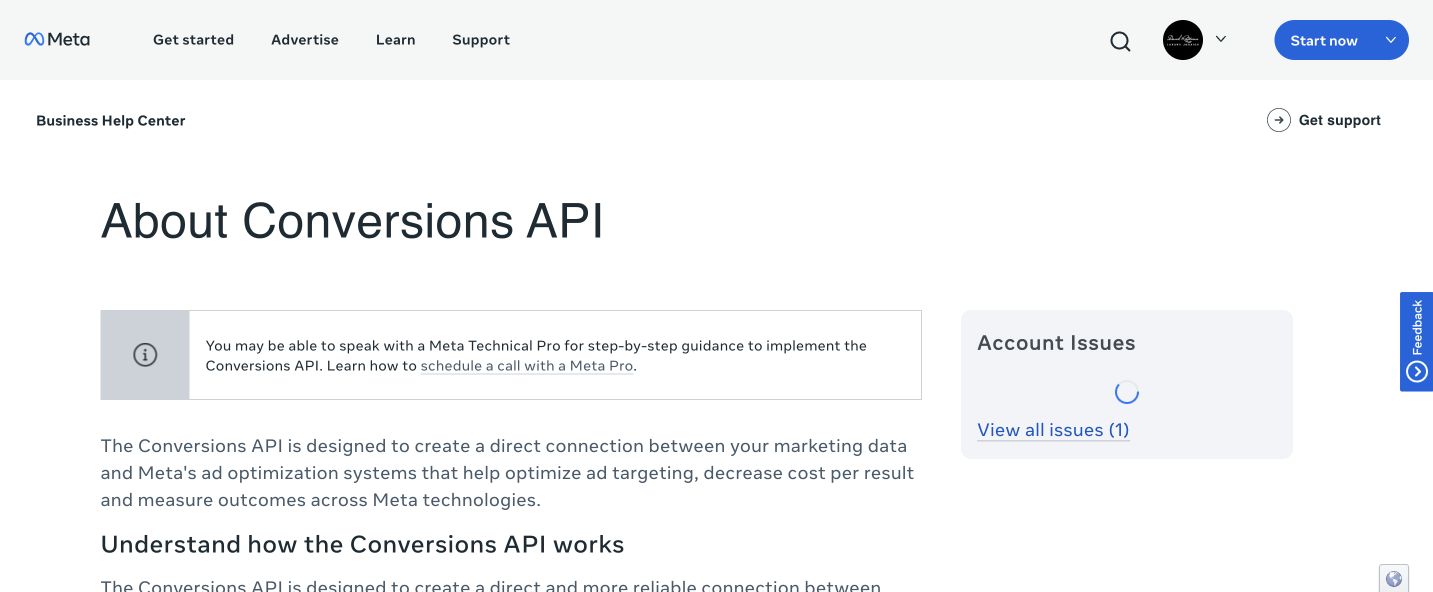
Official Meta Conversions API and Events Manager help page
Official product page, captured July 28, 2026. Check the linked source before buying because prices can change.

Paid automation

Birch, formerly Revealbot

Birch adds cross-platform rules that pause, scale, or notify based on performance, plus creative analysis and bulk launch work.

Price
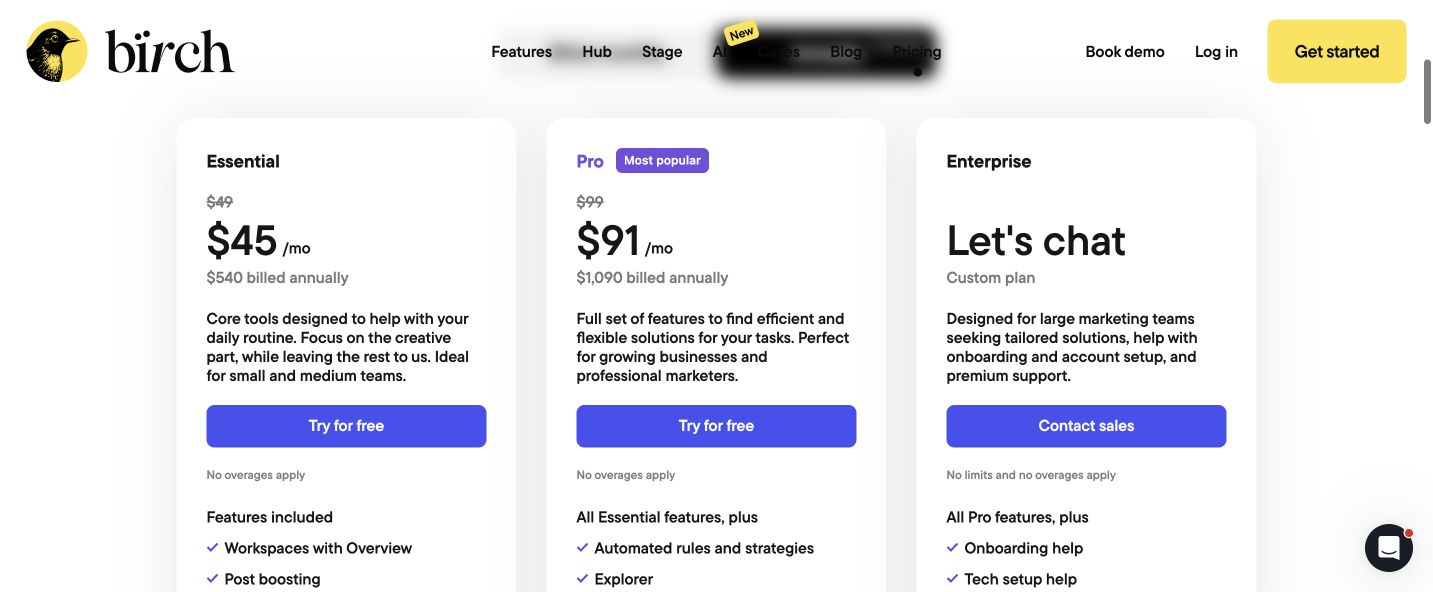
At up to $10,000 in connected monthly ad spend, Essential is $49 per month or $45 monthly billed annually. Pro is $99 per month or $91 monthly billed annually.
Good for
Guardrails, repeated rules, alerts, creative comparison, and bulk work across several campaigns or clients.
Where to look
Use Automated Rules for logic, Activity for what changed, and Explorer > Individual Ads for creative performance.
Limits
At small spend, it can cost more than the time it saves. Pricing uses total connected spend and overages can apply. A bad rule can scale a mistake quickly.
Alternatives
Meta automated rules, Madgicx, or Optmyzr.

How to use it

  1. Connect the intended ad account and choose Meta.
  2. Create one notification rule before allowing automatic changes.
  3. Choose the exact campaign, ad-set, or ad level and a real time frame.
  4. Preview every item the rule would touch and add hard limits.
  5. Activate it, then check Activity after the first run.

Official product and pricing page

Birch official pricing page showing current Meta ad automation plans
Official product page, captured July 28, 2026. Check the linked source before buying because prices can change.

Quick cost check

What you can start with.

Ads Manager, Ad Library, Events Manager, Pixel, and Conversions API have no Meta tool subscription. The media budget, partner gateway, server work, or developer setup may still cost money.

ToolStart costUse it whenDo not buy it when
Meta Ads ManagerNo tool fee; ad spend is separateYou are creating or managing Facebook and Instagram campaigns.You need public competitor research only.
Meta Ad LibraryFreeYou need current market and creative examples.You want proof of a competitor's performance.
Meta Events Manager, Pixel, and Conversions APINo Meta tool fee; setup may cost extraMeta needs a tested lead or purchase signal.You expect tracking to fix the offer or page.
Birch, formerly Revealbot$49/mo Essential or $99/mo Pro at the first spend tierRepeated work across enough spend or accounts justifies automation.The account is small or the measurement is still unreliable.
At a small monthly ad budget, use Meta's free tools and spend the saved money on stronger creative, a better destination page, and fast lead follow-up.

Keep it current

Where to look when a tool or rule changes.

Prices, screens, ad rules, and AI search behavior change. We keep short dated updates in Pulse and real observations in Notes. Use this guide for the setup. Use those pages for what changed.

The Meta interface and Advantage+ controls change often. Recheck the live screen and preview every placement before publishing.

Next guide

Keep going only if you need it.

See all services