Check

Learn
Check
Check
Check
Check
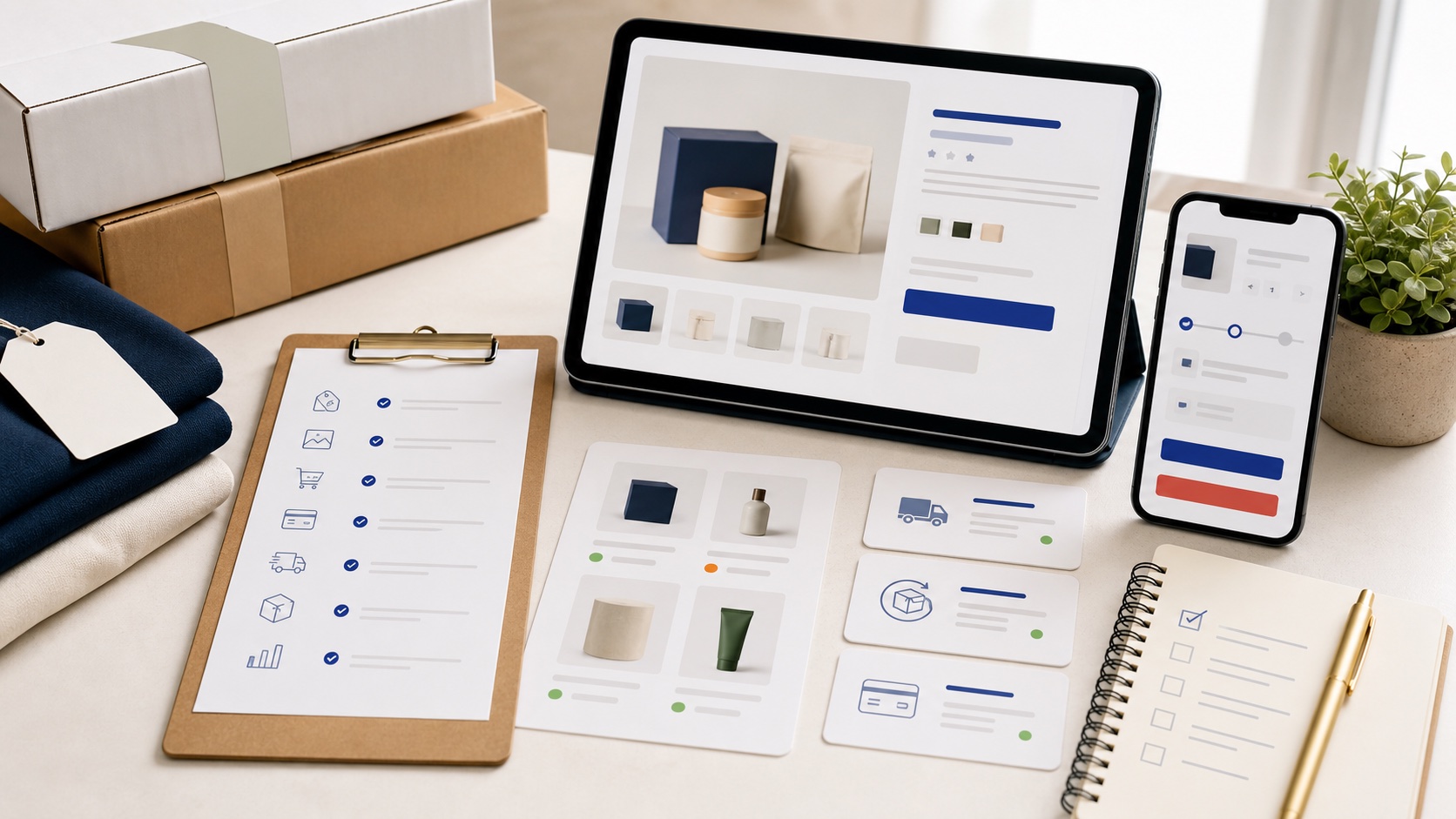
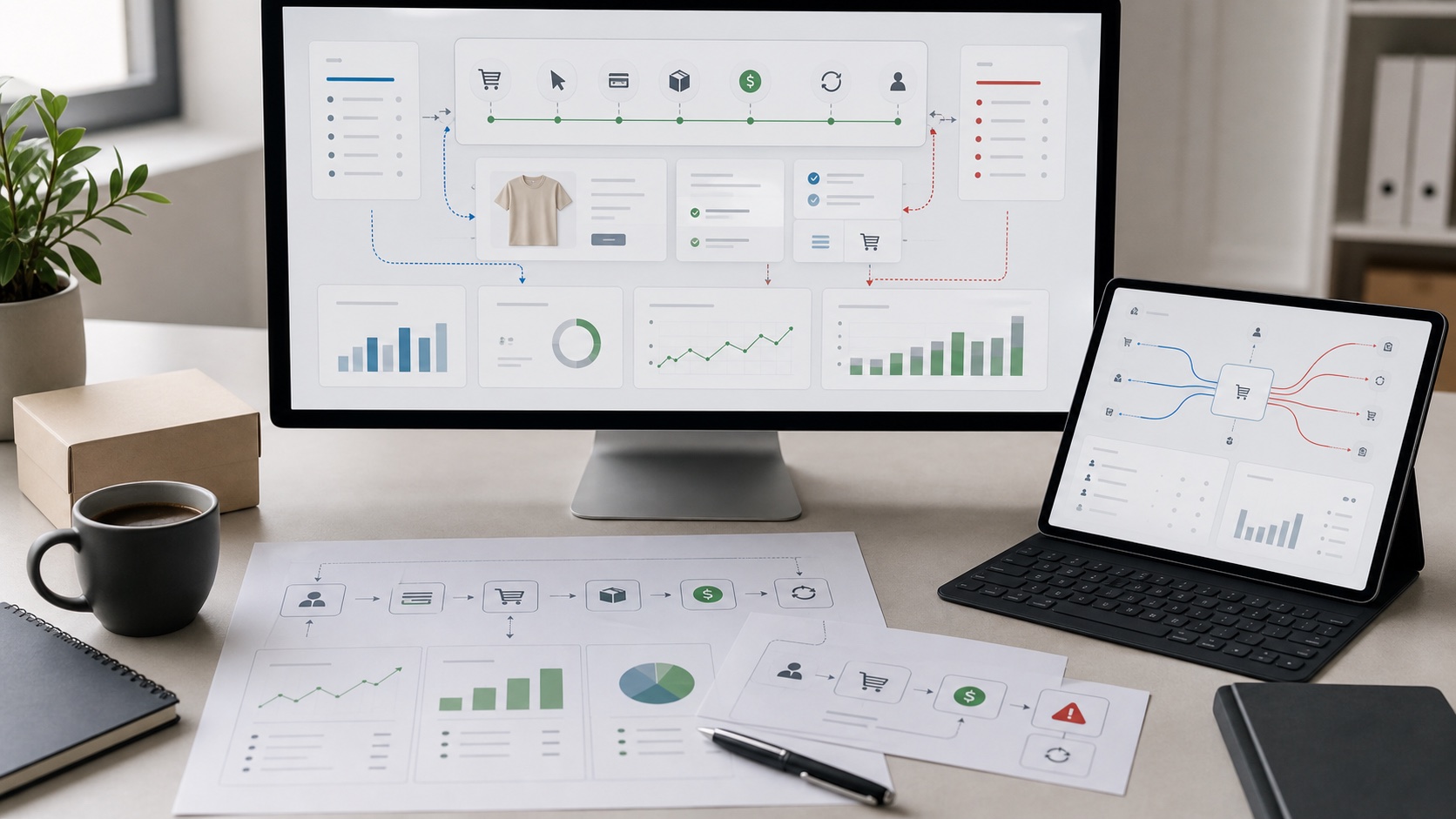
Look at the store path from click to product page, cart, checkout, and repeat order.
Use the quick check before opening the deeper service or comparison. If the check does not point anywhere, the system probably needs more evidence first.
When the issue is clear, move into the matching service or decision page. When it is not clear, compare the two most likely moves before building.
Method
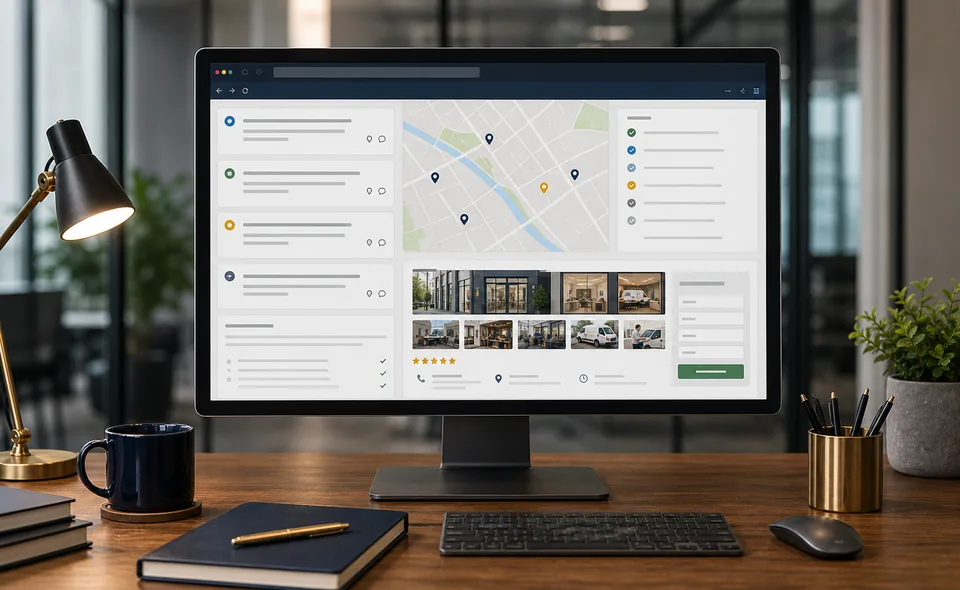
Look at the page, account, store, search result, map profile, AI answer, form, call path, or CRM handoff. The check should begin with the surface the buyer actually touches.
The useful answer is usually one constraint: traffic quality, message clarity, offer trust, page flow, checkout friction, citation strength, tracking, or reply speed.
A check should not become a long internal project. Once the likely constraint is clear, move into the service, comparison, or Atlas page that can carry the detail.
Evidence
Use the actual ad, page, product, search result, AI answer, CRM path, form, quote flow, or call handoff. Drafts and opinions matter less than what the buyer actually sees.
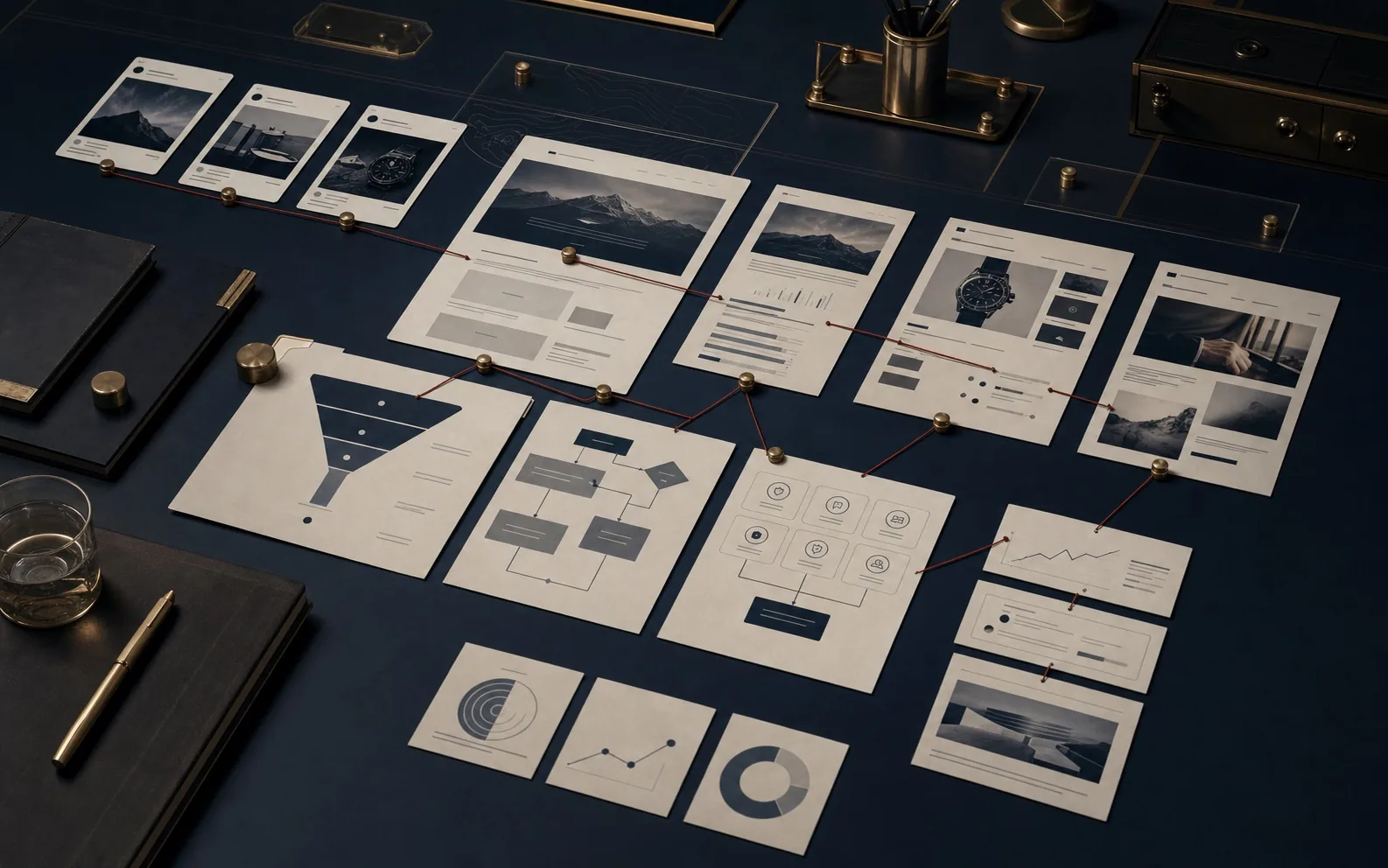
Check whether the page or campaign makes a clear promise, proves it, reduces risk, and asks for the right action. If those pieces are vague, more traffic will usually expose the weakness.
The check should identify the next useful action: call, form, quote, cart, order, appointment, booking, demo, reply, or proposal return. Without that action, the check stays abstract.
Next
Move into the service that matches the issue once the check points to a clear action.
Use comparison pages when the right move is not obvious and the choice affects budget, timing, or team ownership.
Use the Atlas when the concept needs more context, proof language, or citation support.
Decision scorecards
These scorecards help buyers identify whether the weak point is traffic, page proof, action path, tracking, or follow-up.
Decision tools updated July 5, 2026.