Home / Learn / Shopify, Google Ads, and Meta Ads

U.S. ecommerce guide

Shopify, Google Ads, and Meta Ads for U.S. ecommerce brands that need orders.

Use this guide when the store has traffic, ad spend, product interest, carts, or checkout starts, but the business cannot see enough profitable orders from the two ad systems that matter most for ecommerce: Google Ads and Meta Ads.

Shopify stores Google Ads Meta Ads United States Updated June 24, 2026
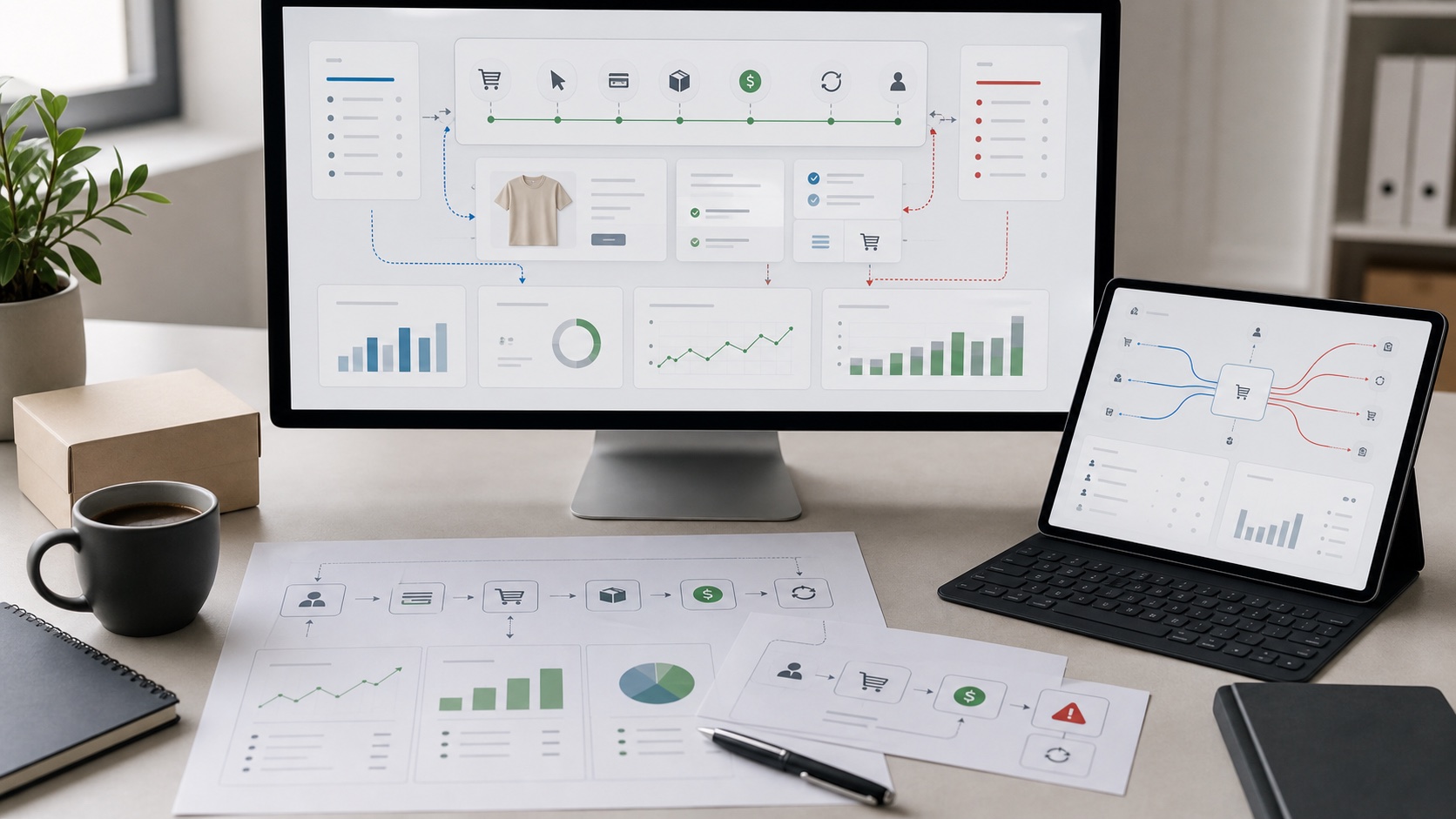
Ecommerce marketing workspace showing product samples, ad performance screens, mobile checkout, product feed planning, and order notes
Store before spendGoogle Ads and Meta Ads only work when the Shopify path can turn the next click into margin.

Quick answer

The strongest ecommerce setup is Shopify plus Google Ads plus Meta Ads.

For most U.S. Shopify and ecommerce brands, Google Ads should capture existing buying intent, Meta Ads should create and rewarm demand, and Shopify should prove whether the traffic can become profitable orders.

If the store cannot explain the product, price, shipping, returns, proof, checkout, and tracking clearly, both ad systems will make the same weakness more expensive. The first job is to find whether the loss is in the account, the feed, the product page, the cart, checkout, tracking, or the offer.

The two-channel rule

Google Ads and Meta Ads do different jobs for the same store.

Do not judge both channels by the same surface metric. The store needs one view of buyer intent, creative influence, revenue quality, and repeat order potential.

Part of the system
Google Ads role
Meta Ads role
Buyer state

The shopper is deciding what to buy, where to buy, or whether this product solves the problem.

Capture active demand from search, Shopping, Performance Max, brand, product, and category intent.

Create demand with product use cases, proof, creative angles, retargeting, and repeat exposure.

Store requirement

The page has to answer the reason a buyer hesitates.

Exact product fit, price, shipping, returns, reviews, comparisons, and payment trust.

Fast context, visual proof, product story, objection handling, offer match, and simple next step.

Risk

Each platform can report a win that the business cannot feel in margin.

PMax, Shopping, or Search can over-credit branded, low-margin, or poor-fit demand.

Creative can drive cheap clicks, weak shoppers, mismatched expectations, or attribution fog.

Shopify store readiness workspace showing product page planning, mobile checkout, shipping cards, product feed tiles, and ecommerce checklist
Before scaling Google Ads or Meta Ads, make sure the Shopify path can defend the next order.

DIY check 01

Check the Shopify store before blaming either ad platform.

01

Product page clarity

The first screen should show what the product is, who it is for, why it is worth the price, what proof exists, and what happens after purchase.

02

Feed and catalog quality

Titles, images, variants, availability, price, GTINs, categories, sale prices, and product types should be accurate enough for Google and Meta to understand the store.

03

Cart and checkout trust

Shipping, delivery timing, returns, discounts, taxes, payment options, Shop Pay, and mobile checkout should not surprise buyers after they add to cart.

04

Order economics

Know contribution margin by product or product group. A blended ROAS target is too weak when some SKUs lose money after shipping, discounts, returns, and payment fees.

DIY check 02

Use Google Ads when buyers already show intent.

Google Ads can be the cleanest demand-capture channel for ecommerce, but only when Search, Shopping, Performance Max, and conversion tracking are tied to order value and margin.

Account setup

Make conversion goals strict.

  • Use purchase and revenue values as primary goals.
  • Keep micro-conversions separate from bidding goals.
  • Check enhanced conversions and GA4 alignment.
  • Review brand, nonbrand, Shopping, and PMax contribution separately.
PMax and Shopping

Do not let the feed carry weak store data.

  • Fix Merchant Center disapprovals and warnings.
  • Segment products by margin, inventory, price, and business priority.
  • Use brand controls where available.
  • Review channel performance, search terms, and asset results.
Search

Separate buyer language from research noise.

  • Review search terms weekly during a reset.
  • Protect exact product, category, and problem queries.
  • Exclude support, free, repair, wholesale, job, and mismatch terms when they do not fit.
  • Send high-intent traffic to the exact product or collection path.

DIY check 03

Use Meta Ads when buyers need proof, context, and repeat exposure.

Meta Ads can make a product easier to want before the buyer searches. The account needs creative truth, tracking truth, and a store path that matches the promise made in the ad.

Tracking

Pixel and CAPI come before creative arguments.

Confirm Pixel, Conversions API, event match quality, purchase events, catalog connection, UTMs, and Shopify order attribution before deciding that creative or audience is the only problem.

Creative

Test product reasons, not random formats.

Each creative angle should answer a buyer reason: problem solved, product proof, social proof, comparison, price/value, use case, objection, or urgency. If the ad promise and product page disagree, the click gets weaker.

Revenue quality

Cheap purchases can still be bad orders.

Meta can find low-cost activity. The business still needs to watch average order value, new customer quality, returns, discount dependency, repeat purchase, and post-purchase margin.

DIY check 04

Build one revenue truth before comparing platforms.

Google Ads, Meta Ads, Shopify, and GA4 will not tell the same story. Your job is to decide which business truth will govern budget decisions.

Source view

Keep UTMs clean and consistent.

Use campaign naming that separates platform, campaign, offer, product group, creative angle, and funnel role. Do not let every source collapse into paid social or paid search.

Order view

Export real orders, refunds, discounts, shipping, and product margin.

Platform revenue can look good while Shopify margin gets worse. A weekly order export protects the business from celebrating the wrong orders.

Decision view

Pick budget rules before the account gets noisy.

Decide what qualifies as a scale signal, what triggers a pause, and what requires a product-page or checkout fix before the next budget increase.

30 / 60 / 90

A practical DIY plan for the next 90 days.

This is the simple order: clean the store facts, fix measurement, then scale what can survive real margin math.

Days 1 to 30: prove the store can convert.

  • Check the top product pages and collection pages.
  • Fix shipping, return, payment, and proof gaps.
  • Repair Merchant Center, catalog, Pixel, CAPI, and purchase tracking issues.
  • Build one margin view for the products you plan to advertise.

Days 31 to 60: isolate the channel jobs.

  • Use Google Ads for intent that already exists.
  • Use Meta Ads for creative angles, proof, retargeting, and demand creation.
  • Review search terms, PMax reporting, creative fatigue, and order quality weekly.
  • Keep budget increases small until margin and tracking agree.

Days 61 to 90: scale only the path that holds.

  • Move budget toward products and audiences with margin proof.
  • Build landing or collection pages for high-intent segments.
  • Refresh Meta creative before performance drops.
  • Add retention and email follow-up so paid acquisition has a second order path.

When to get help

Stop DIY when the same argument repeats every week.

01

Google says the account is learning, but Shopify cash is not improving.

That usually means the account needs product, feed, search-term, conversion-value, or page-path control.

02

Meta keeps asking for new creative, but the product page still loses buyers.

Creative refreshes cannot carry a page that fails to explain product value, shipping, proof, fit, or trust.

03

ROAS looks acceptable, but margin, refunds, or repeat purchase are weak.

The business needs a revenue view that separates useful orders from orders that only make the platform look right.

Ecommerce revenue workspace showing ad performance screens, order flow, margin signals, refund indicators, and channel notes
Management should connect the account, product page, checkout, and revenue evidence before asking for more budget.

Source notes

Trend sources used for this guide.

These sources informed the trend section. The DIY checks turn the source material into practical ecommerce marketing decisions.

Questions

Common Shopify, Google Ads, and Meta Ads questions.

Should a Shopify store start with Google Ads or Meta Ads?

Start with the buyer state. Google Ads fits existing demand when shoppers are already searching. Meta Ads fits demand creation, product discovery, creative testing, and retargeting when buyers need to see the product before they search.

What should a U.S. ecommerce brand check before scaling Google Ads or Meta Ads?

Check product-page clarity, product feed quality, mobile checkout, shipping and returns promises, Pixel and CAPI, Google Ads conversion values, Merchant Center health, UTMs, refund visibility, and contribution margin.

Can Google Ads and Meta Ads use the same product page?

They can when the page answers both intent and desire. Google traffic usually needs exact fit, price, shipping, reviews, and alternatives. Meta traffic often needs more context, product proof, use cases, and a faster reason to continue.

When should a Shopify store stop DIY advertising work?

Stop DIY work when spend rises without clean revenue truth, platform ROAS does not match margin, tracking disputes block decisions, or the team cannot tell whether the account, product page, checkout, or offer is causing the loss.

Need Shopify, Google Ads, and Meta Ads connected?

Send the store URL, the two ad accounts, the product pages that matter, and the revenue problem you want solved. Stan Consulting will look at the store and the spend as one system.